



Open the official tours
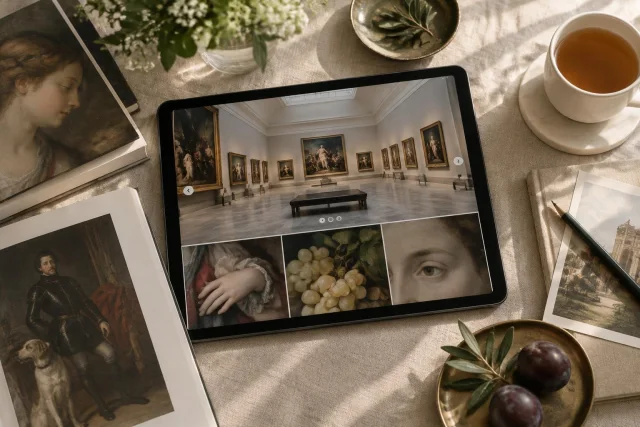
The Museo Nacional del Prado offers virtual visits to its collection and a selection of exhibitions. High-resolution technology makes it possible to appreciate details in some works, and certain tours include audio. The digital offering may change; before you begin, check the website to see which resources are available: [1].
The suggestion here is simple: choose a work, look at it from home, and pause over three specific questions. You don’t need to try to cover an entire collection or turn the experience into a lesson. One detail may be enough to hold your attention and spark a curiosity you can return to later with help from the museum’s information.
It’s worth distinguishing from the start what the tool offers. Digital tours let you explore works, but they are not a reservation to enter the galleries. In addition, the Prado itself warns that the physical location of works may change and may not necessarily match the virtual tour. So the digital experience is useful for looking and finding your bearings, not for confirming where a piece is currently located.
Choose a work without trying to see everything
Once you’re on the official website, review the available options and choose a work or tour that appeals to you. If the platform offers audio for that resource, you can include it; if not, looking at the work still works as a standalone activity. High resolution is available for some works, not necessarily all of them, so the level of magnification may vary.
Editorial example: imagine you’re drawn to a scene with several figures. Instead of quickly scanning it from one end to the other, you can choose one figure and look at their clothing, the position of their arms, and nearby objects. The idea isn’t to guess who the people are, but to find a specific point you’d like to examine more closely.
Another way to choose is to start with a question, rather than a specific work. If you’re interested in how clothing is depicted, look for an image where garments are clearly visible. If you’re drawn to poses, choose a scene with figures. These are practical ways to focus your attention; they don’t guarantee that every detail will be easy to identify or that magnification will make it clear.
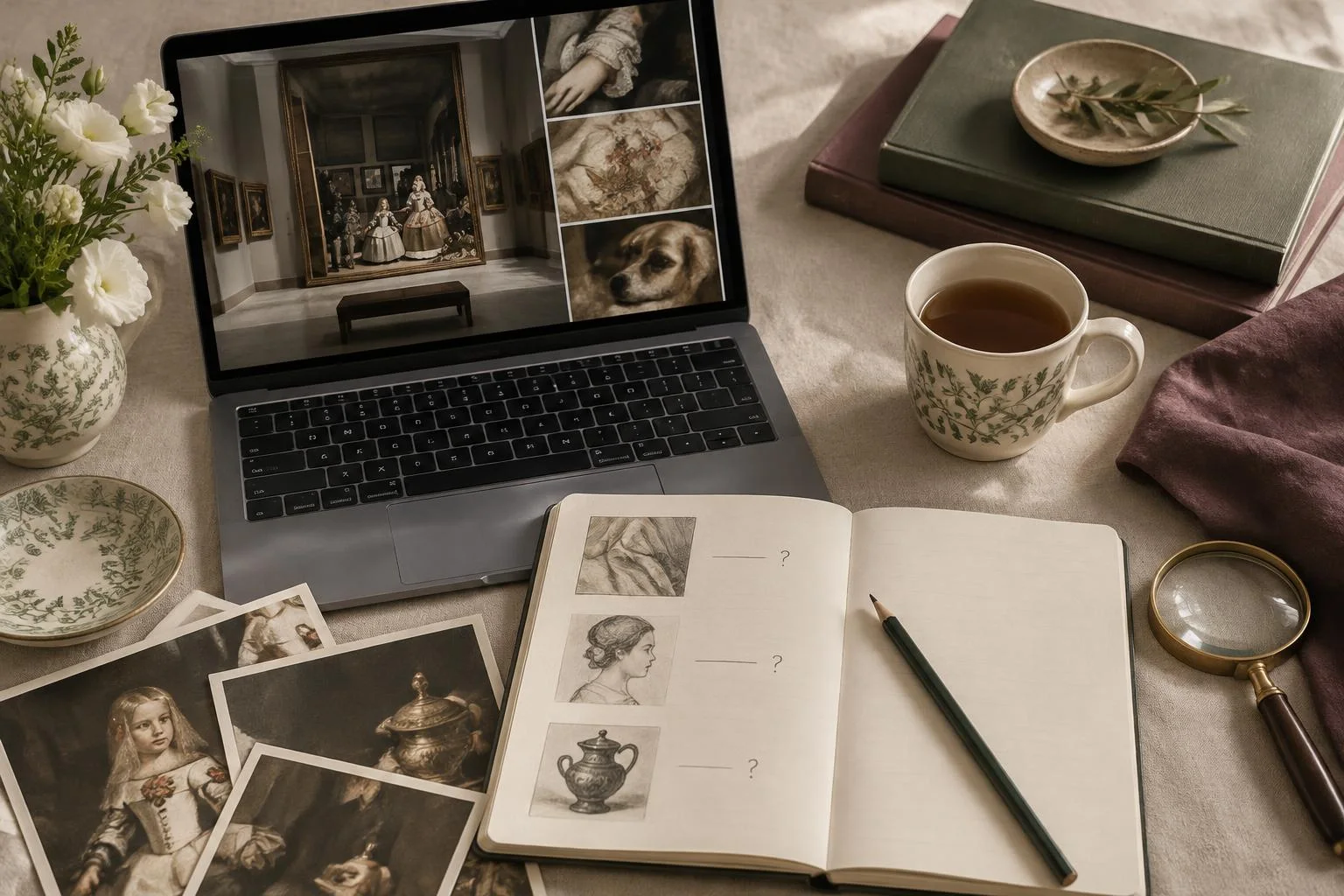
First question: what fabric is depicted?
Look at a garment or piece of fabric and note what you perceive: whether it seems smooth or folded, whether its finish catches your attention, or whether it drapes in a particular way. Describe what you see before trying to name a material. “It looks shiny” or “there are broad folds” are visual observations; claiming that it is made from a specific fiber would require information the image alone may not provide.
Editorial example: faced with a sleeve that catches the light, a cautious note might say: “The surface looks lustrous; I want to check whether the information sheet identifies the material.” This keeps a personal impression separate from a documented attribution. If the information sheet doesn’t provide that identification, you can keep the question open rather than turn it into a conclusion.
The question also helps avoid confusing depiction with material reality. An image may suggest texture through folds, outlines, or contrasts, but digital viewing doesn’t always make it possible to know exactly what material is represented. The aim of this step is to describe clues and decide whether there’s a reason to consult the information sheet, not to fill in the gaps with improvised certainty.
Second question: how is a pose constructed?
Focus on one figure and visually follow the relationship between head, torso, arms, and legs. Which way does the figure seem to be facing? Which part of the body stands out because of its position? Is there a gesture that draws attention to another person or object? You can record these relationships in simple words without trying to assign a definitive meaning to the gesture.
Editorial example: if a person depicted has one arm raised, you could note, “The raised arm stands out against the rest of the figure.” If you also wonder whether they are waving, pointing, or holding something, write that possibility as a question. The museum’s information sheet is the right place to check the available documented information; your visual reading and the explanation of the work aren’t necessarily the same thing.
This method is useful because it turns a general impression—“the scene seems dynamic”—into observations you can revisit: one figure leans, another turns toward them, or several gazes seem directed at a particular point. You don’t need specialized vocabulary. A clear note matters more than terminology.
Third question: what everyday object catches your attention?
Look for a recognizable or simply intriguing object: something that seems to be part of an activity, the depicted setting, or a figure’s clothing. Before identifying it, observe where it appears, who is nearby, and which visible features make you think it belongs to a particular category. If you can’t make it out clearly, record your uncertainty rather than filling in the scene from your imagination.
Editorial example: a small shape beside a figure might look like a vessel. You can write “object that looks like a vessel; confirm in the information sheet” without stating its use, name, or context. If the information sheet doesn’t explain it, the question is still valid as a personal observation, but not as a fact about the work.
The difference between description and interpretation can be summarized like this: describing means saying what shape, position, or relationship you observe; interpreting means suggesting what it means or what it is used for. Both can appear in a note, as long as they’re clearly distinguished. This distinction lets you enjoy exploring without presenting every intuition as confirmed knowledge.
Check the information sheet and organize what you know
When you want to identify an object, material, or other element, consult the information sheet linked to the work, if one is available. You can compare your question with the published information there. An information sheet may provide documented details, but you don’t need to find an answer to every detail you noticed. If it doesn’t provide an identification, the most useful thing is to preserve the uncertainty precisely.
| What you note | How to treat it | Practical next step |
|---|---|---|
| A visible feature, such as folds or a leaning pose | Personal observation | Keep the description specific |
| A possible identification of an object or fabric | Hypothesis, not a confirmed fact | Consult the information sheet linked to the work |
| Information explicitly stated in the information sheet | Documented information | Save it with the reference to the work |
| A question the information sheet doesn’t answer | Open curiosity | Keep it without turning it into a conclusion |
This table isn’t intended to establish the correct interpretation of the work. It helps separate three levels that are often mixed together: what you see, what you assume, and what the information sheet documents. That separation also makes it easier to return to the piece: you’ll know exactly what you wanted to find out.
Save a note that helps you return
Along with the link to the tour, save the work’s title, the artist’s name as it appears in the information, and the question that interested you most. If useful, add a brief observation and an unanswered question. You don’t need to keep a comprehensive record: the note should help you pick up the exploration again, not become a task.
Editorial example: “Work: [title as listed in the information sheet]. Artist: [name as listed in the information sheet]. I noticed: the pose of one figure. Question: does the information sheet identify the object nearby?” The square brackets are spaces to fill in when you consult the resource; they don’t replace real details or assume a specific work.
If the work doesn’t offer the level of magnification you were looking for, you can choose another or continue reading its information sheet. There’s no prescribed duration, and you don’t need special equipment to follow this plan. The most practical choice is to change your approach when the tool doesn’t let you see the detail: instead of insisting on magnification that isn’t available, move on to another question or another work.
Checklist for a brief exploration
- Open the website and check which tours are available.
- Choose a work or resource that interests you, without setting out to cover the whole collection.
- Look at one detail related to fabric, a pose, or an everyday object.
- First describe what’s visible, and mark any personal interpretation separately.
- Consult the information sheet linked to the work when you want to check an identification.
- Save the title, the artist’s name, and a question to return to later.
- If the detail isn’t clear, choose another work or continue with the information sheet.
A question can be a good starting point
A virtual visit doesn’t have to end with a complete explanation of every element. It can be a relaxed way to get closer to a work, notice something that might normally go overlooked, and distinguish an impression from documented information. The practical value of the plan lies in its focus: three questions shape the exploration without making you cover everything.
The digital offering may change, so the official link is the reference for checking what’s available. A work’s location in a digital tour also doesn’t confirm its current physical location. With those distinctions clear, you can save an observation, follow a curiosity, and return to the piece later. Sometimes, a carefully noted question is a satisfying way to end a visit from home and a good starting point for the next one.